

Tools
The 34 tools an AI app gets through the MCP Connection, what each one reads or changes, and five prompts to try.
An AI app you connect to Konrado gets 34 tools: 20 See tools and 14 Change tools. Your app picks the right tool by itself. You ask in plain words and never type these names.
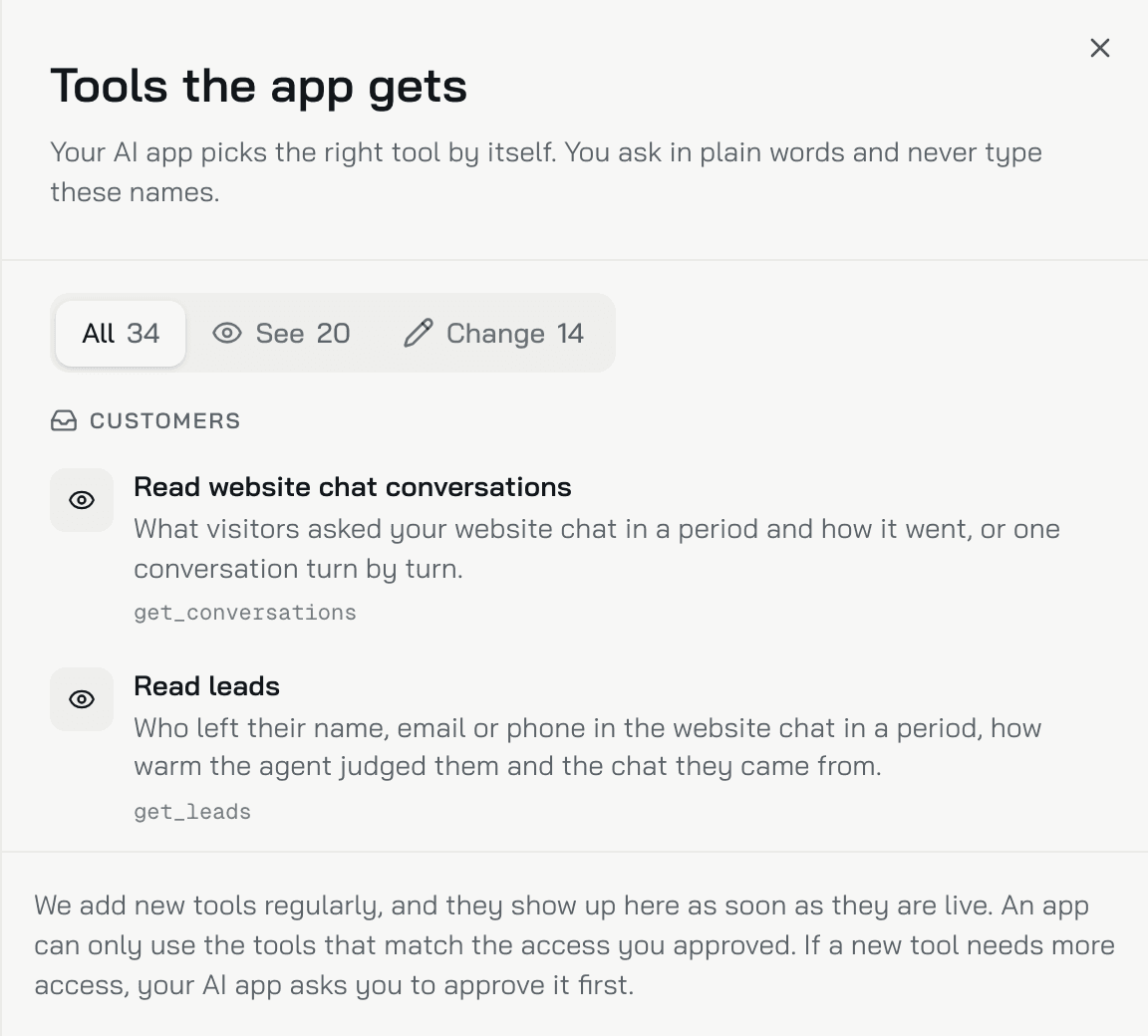
To see the list in the console, click See all 34 tools under What the app can do. All, See and Change filter it. The list comes from the connection itself, so it shows what your app gets today. This page groups the tools by job. Every change a tool makes lands in Recent activity on the MCP Connection page.
Try asking
- "What did our customers ask about most this month?" The app can use
get_ticket_topics. - "Which customer questions does our knowledge base not answer yet?" The app can use
find_knowledge_gaps. - "Find the questions my agent could not answer last week and add Q&A entries for them." The app can use
get_conversations,find_knowledge_gapsandsave_qa_entry. - "Compare what my team sent this week with the agent's drafts, and add what the agent should learn to its instructions." The app can use
get_agent_corrections,get_organization_dataandupdate_ai_ticket_agent_instructions. - "Which procedures did the agent follow on tickets this week, and which never matched?" The app can use
get_procedure_matchesandget_procedures.
Knowledge base
See
search_knowledge_base: searches your knowledge base the way your agent does, and shows what it would find.find_knowledge_gaps: finds the ticket topics your knowledge base does not answer yet.get_knowledge_base_sources: lists your websites, files and connected platforms, with their size, errors and last sync.get_knowledge_base_text_snippets: reads your text snippets, with their full content.get_qa_entries: reads your Q&A entries, with the full answer.
Change
save_knowledge_base_text_snippet: creates a text snippet, or updates one.save_qa_entry: creates a Q&A entry, or updates one. Agents answer from it as soon as it is saved.add_website_source: adds a page, a sitemap or a whole website. Konrado reads the pages in the background.refresh_website_source: reads a website source again now, instead of waiting for the nightly update.delete_knowledge_base_item: deletes a text snippet, a Q&A entry, or a website source with all its pages.
Procedures
See
get_procedures: reads an agent's procedures, each with its trigger and its steps.get_procedure_matches: shows which procedures the agent followed on real tickets in a period.
Change
save_procedure: creates a procedure for any agent, or updates one.delete_procedure: deletes a procedure. The agent stops following it at once.
A procedure an app creates is on from the start, unless the app sets it off. A procedure you create in the console starts off.
Agent settings
See
get_organization_data: reads the setup of each agent: instructions, guardrails, communication style, example replies, auto replies, departments and active procedures.
Change
update_ai_ticket_agent_instructions: replaces the instructions of any agent.update_guardrails: replaces the rules an agent must never break.update_communication_style: replaces the help desk agent's style rules for ticket replies.update_reply_examples: replaces the example replies the help desk agent writes like.update_auto_reply_settings: switches Auto replies to Off, Shadow or Live, sets the confidence bar and the departments, and turns Copilot drafts on or off.
An app replaces the instructions, the guardrails, the style rules and the example replies as a whole. It sends the full text, and Recent activity keeps the old version. Live needs an Assigned agent, set on the Reply settings tab of Auto replies first.
Memory
See
get_agent_memories: reads what your agents learned: your team's rules and facts, the events Konrado spotted, and what each customer's tickets taught.
Change
update_agent_memory: corrects the wording of a fact or a rule. The old wording stays in its history.remove_agent_memory: stops your agents using a memory. It stays in the Memory history.
No tool adds a memory: memory is only what Konrado learned. An event cannot be edited.
Tickets and conversations
See
get_ticket_topics: lists the busiest ticket topics in a period, each with example tickets.get_tickets_for_analysis: lists recent tickets with their analysis: category, keywords, issues and customer satisfaction.get_ticket_inspection_data: reads one ticket with every reply, the draft before it and how close the sent reply stayed.get_agent_corrections: lists the replies your team sent, next to the draft they changed.get_chat_messages: reads the conversation and the tools the agent used while drafting one ticket reply.get_conversations: lists what visitors asked your live chat in a period and how it went, or reads one conversation turn by turn.
Leads and quality
See
get_leads: lists who left a name, email or phone on your live chat, how warm the agent judged them, and the chat they came from.get_quality_report: reads the Insights and Overview numbers for a period: tickets, customer satisfaction, your team, how close sent replies stayed to drafts, and the live chat.
Organization
See
get_organization_profile: reads your organization's name, website and time zone, and who the app is connected as.list_organizations: lists the organizations this connection can read. For anyone but Konrado staff, that is only your own organization.use_organization: for Konrado staff only. It opens another organization from their connection, and that organization sees it under Connected apps and can disconnect it.
Limits
- An app uses only the tools that match the access you approved. If a new tool needs more access, your app asks you to approve it first.
- Each app can make up to 120 calls a minute for each person.
Related
Last updated on