

Organization Profile
Manage your organization settings and profile information
The Organization Profile page lets you manage your company's settings within Konrado.AI.
Overview
Navigate to Profile under the Organization section in the sidebar. The page displays your organization's general information and additional settings.
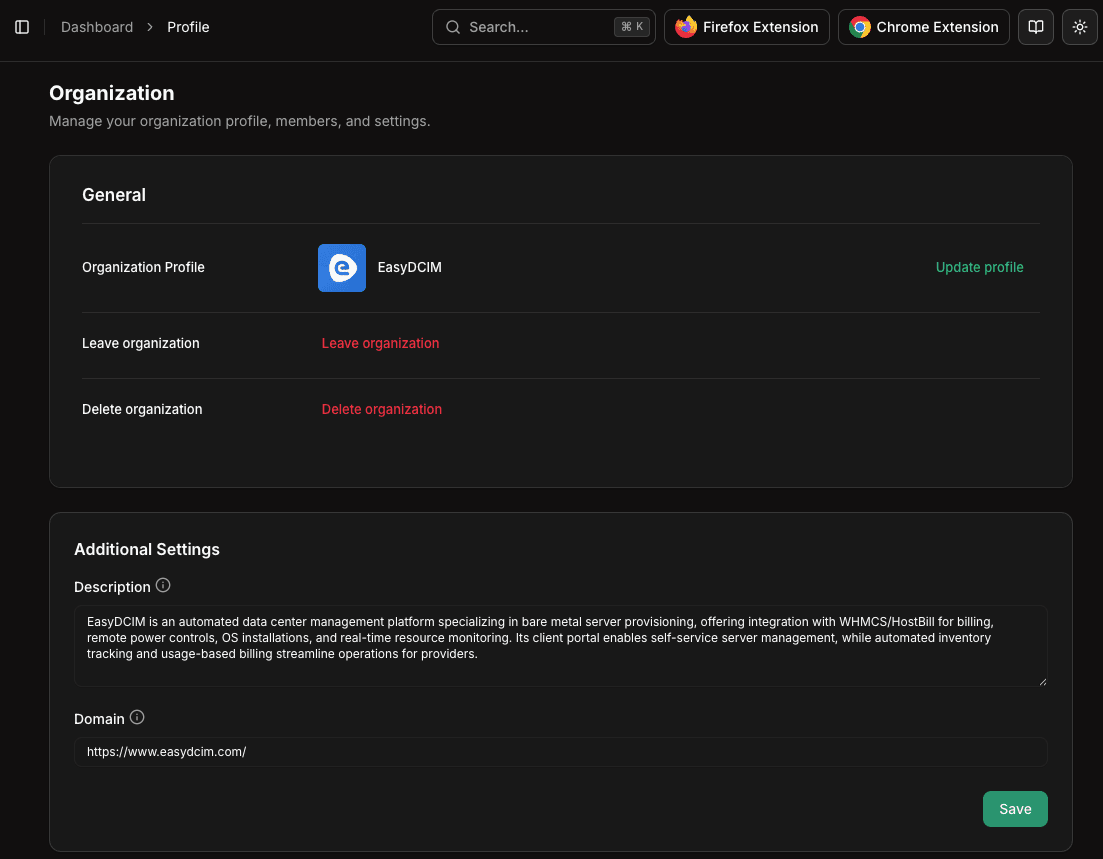
General Information
The top section shows your organization profile managed through Clerk:
- Organization name — Your company name as it appears across the platform
- Organization logo — Your brand logo shown in the sidebar and team views
Additional Settings
Below the general profile, you'll find Konrado.AI-specific settings:
Description
A brief description of your organization and what it does. This context helps the AI understand your business better when generating responses.
Domain
Your primary domain name. This is used for:
- Identifying your organization across the platform
- Linking with integrations and webhooks
- Reference in AI-generated responses when appropriate
Saving Changes
After updating any additional settings, click Save to apply the changes.
Changes to the organization name and logo are managed through Clerk. Click on the organization name in the sidebar to access the Clerk organization settings.
Related
- Members — Manage team members and roles
- Browser Extension — Set up the extension for your team