Getting Started
Prerequisites
Access, platforms, and checks you need before setting up Konrado.AI
Before you begin, confirm which systems you want Konrado.AI to use and who on your team can grant access.
Required
Konrado.AI admin
Needed to create integrations, tokens, and automation settings.
Ticketing
WHMCS or SupportPal
At least one ticketing path is needed for real support workflows.
Optional
Server context
Root SSH or API access is only needed for server integrations.
Network
Allowlist if firewalled
Use static IPs when WHMCS, SupportPal, panels, or APIs are restricted.
Required Access
| Area | Access needed | Used for |
|---|---|---|
| Konrado.AI | Organization admin or integration access | Creating integrations, copying tokens, testing connections |
| WHMCS | Admin access with addon module permissions and FTP/SFTP access | Installing the WHMCS module and saving API/webhook tokens |
| SupportPal | Operator/admin access with API token and macro permissions | Connecting ticket data and creating the webhook macro |
| Server integrations | Root SSH on the target server, or API credentials for API-based integrations | Installing the agent or connecting platform APIs |
| Network/firewall | Ability to update firewall, WAF, or reverse proxy rules | Allowing Konrado.AI static IPs and crawler access |
| Browser extension | Permission to install browser add-ons | Using AI assistance directly inside ticket pages |
If you do not have root access for an SSH-based integration, ask your system administrator to run the generated installation command for you.
Supported Platforms
| Platform | Status | Notes |
|---|---|---|
| WHMCS | Supported | Billing, services, clients, invoices, and ticket links |
| SupportPal | Supported | Ticketing workflow, webhook macro, and operator widget |
| cPanel, DirectAdmin, Plesk | Supported | Hosting account and control panel context through the server agent |
| Proxmox, Solus2 | Supported | VM, container, host, and virtualization context depending on platform |
| Rackspace Cloud Office | Supported | Domains, mailboxes, aliases, and DKIM data through API credentials |
| Generic MCP / Remote Agent | Supported | Custom MCP endpoints and private-network MCP routing |
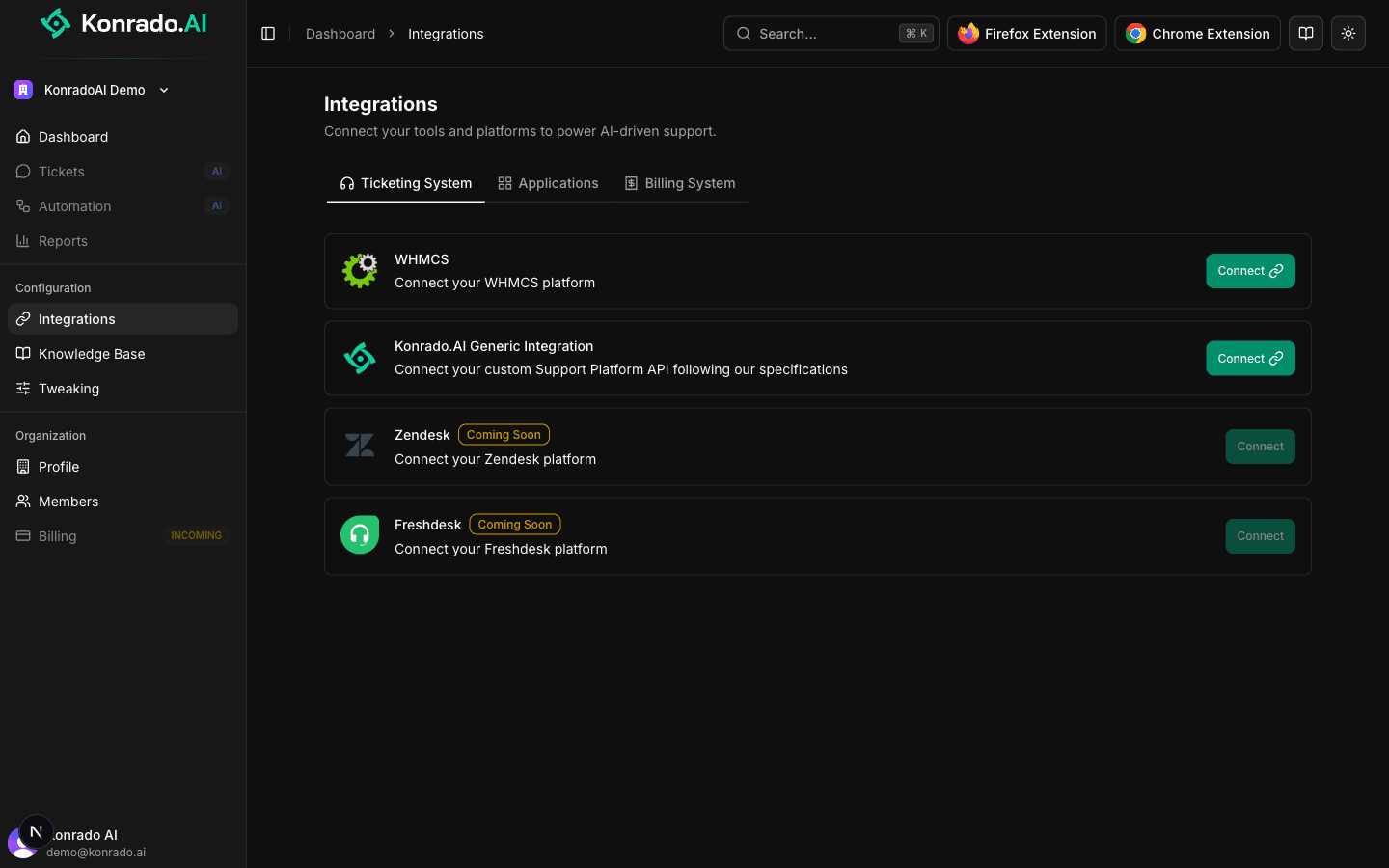
| Zendesk, Freshdesk | Coming Soon | Not part of the current setup flow |
Ready Checklist
Before moving to the quickstart, you should have:
- A Konrado.AI organization created at app.konrado.ai.
- Access to the ticketing system you want to connect first.
- WHMCS module upload access if WHMCS is part of your rollout.
- SupportPal API/macro permissions if SupportPal is part of your rollout.
- Root SSH or API credentials ready for any server integrations you want to connect.
- Firewall/WAF access if your systems are not publicly reachable from Konrado.AI.
Next Step
Continue with the Quickstart and choose the setup path that matches your stack.